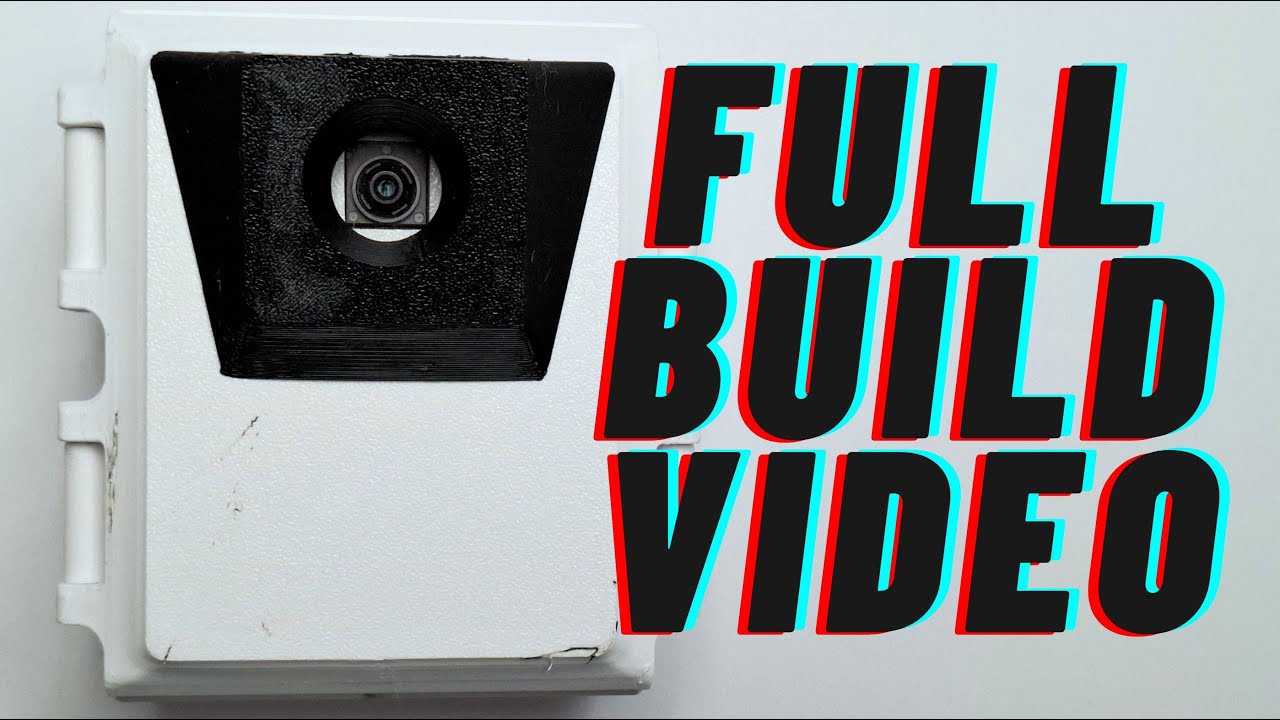
What Mini Raspberry Pi AI Wildlife Monitor can do.
A Raspberry Pi wildlife monitor built around a Raspberry Pi 5 or Raspberry Pi Zero 2 W and the Raspberry Pi AI Camera with IMX500.
From software intent to physical behavior.
This system view follows the documented functional blocks and keeps unknown internals explicit.
Raspberry Pi compute
Runs the device software; the retained README reports testing on Raspberry Pi 5 and Raspberry Pi Zero 2 W.
The documented physical stack.
Documented partsOne of the two compute platforms reported as tested; the source does not establish that both are required together.
One of the two compute platforms reported as tested; the source does not establish that both are required together.
Evidence-backed Build Path
A scan-friendly path derived from the documented construction sequence.
- Review the creator's parts segment and original source links before purchasing.
- Choose a tested Raspberry Pi platform; do not assume both boards are required.
- Use the external MakerWorld CAD page under its current terms.
- 3D printer
- electronics assembly tools
- computer for Raspberry Pi setup
Lithium-ion battery selection, protection, polarity, and charging require careful verification. Soldering and electrical assembly involve heat and short-circuit risk. Outdoor weatherproofing and moisture protection are Unknown; do not expose an unverified enclosure to weather.
Review parts
Start with the creator's parts overview and confirm the exact configuration at the source.
- Open the timestamped parts segment.
- Record unresolved quantities and variants as Unknown.
Prepare printed parts
Review the 3D-printing segment and obtain the enclosure files from the external CAD page.
- Open the timestamped 3D-printing segment.
- Follow the external CAD page without copying its files into SauceSnap.
Assemble hardware
Follow the creator's hardware assembly overview and verify every electrical operation at the source.
- Open the timestamped hardware segment.
- Keep wiring and soldering details source-led.
Review battery safety
Use the creator's battery segment while independently verifying cell protection, polarity, and charging.
- Open the timestamped battery segment.
- Stop if the battery, protection, polarity, or charging requirements are unclear.
Install the AI camera
Follow the camera segment for the Raspberry Pi AI Camera with IMX500.
- Open the timestamped camera segment.
- Confirm orientation and connection details at the source.
Set up the device
Follow the creator's device setup segment before running the project software.
- Open the timestamped device setup segment.
- Confirm the selected Raspberry Pi matches a tested platform.
Configure and test software
Use the repository commands together with the creator's code-setup segment, then verify the device in operation.
- Open the timestamped code setup segment.
- Run only the documented commands after reviewing the repository.
- Return to the testing segment to verify actual operation.
Rights-aware build documentation.
Repository software and associated documentation use observed MIT terms. MakerWorld CAD remains an external link and must not be copied, redistributed, or commercially repackaged by SauceSnap. The YouTube video remains link-only. The exact official maxresdefault thumbnail is a narrow attributed remote-display exception for the Case Hero; it must remain unmodified and unstored, and this exception does not extend to video frames or other media.
The documented software and intelligence layer.
ai_cam
Version not publishedCreator software for running the AI camera and installing it as a service.
2Read the evidence without leaving SauceSnap.
Inspect captured facts and their original locations before opening an external source.
1DIY Raspberry Pi AI Trail Camera: Full Build Video!Luke Ditria · 8 captured factsPreview
Inspect captured facts and their original locations before opening an external source.
- author_nameLuke Ditriaverified
- 23:27Yesverified
- 00:54Yesverified
- 03:43Yesverified
- 06:41Yesverified
- 10:05Yesverified
- canonical video and creator identityThe canonical YouTube video remains link-only. Its official, unmodified maxresdefault thumbnail is separately approved for attributed remote Hero display.verified
- YouTube video qhY_3XCSYsM maxresdefault thumbnailDisplay the exact unmodified 1280 × 720 maxresdefault image remotely as the Case Hero with Luke Ditria and YouTube attribution.verified
2LukeDitria/mini_ai_cameraLuke Ditria · 6 captured factsPreview
Inspect captured facts and their original locations before opening an external source.
- Project nameMini Raspberry Pi AI Wildlife monitorverified
- Tested hardwareRaspberry Pi 5 and Raspberry Pi Zero 2 Wverified
- CameraRaspberry Pi AI Camera with IMX500verified
- Quick startuv run ai_camreported
- Service installuv run ai_cam installreported
- MIT LicenseMITverified
3Mini Raspberry Pi Wildlife Monitor V2Luke Ditria · 1 captured factsPreview
Inspect captured facts and their original locations before opening an external source.
- MakerWorld License sectionExternal link only under MakerWorld terms; no SauceSnap copy, redistribution, or commercial repackaging is approved.verified